
Availability Slots Management
Slots are the foundational "Time Inventory" of the Booking Calendar system. This page is where administrators manufacture the time they want to sell or share.
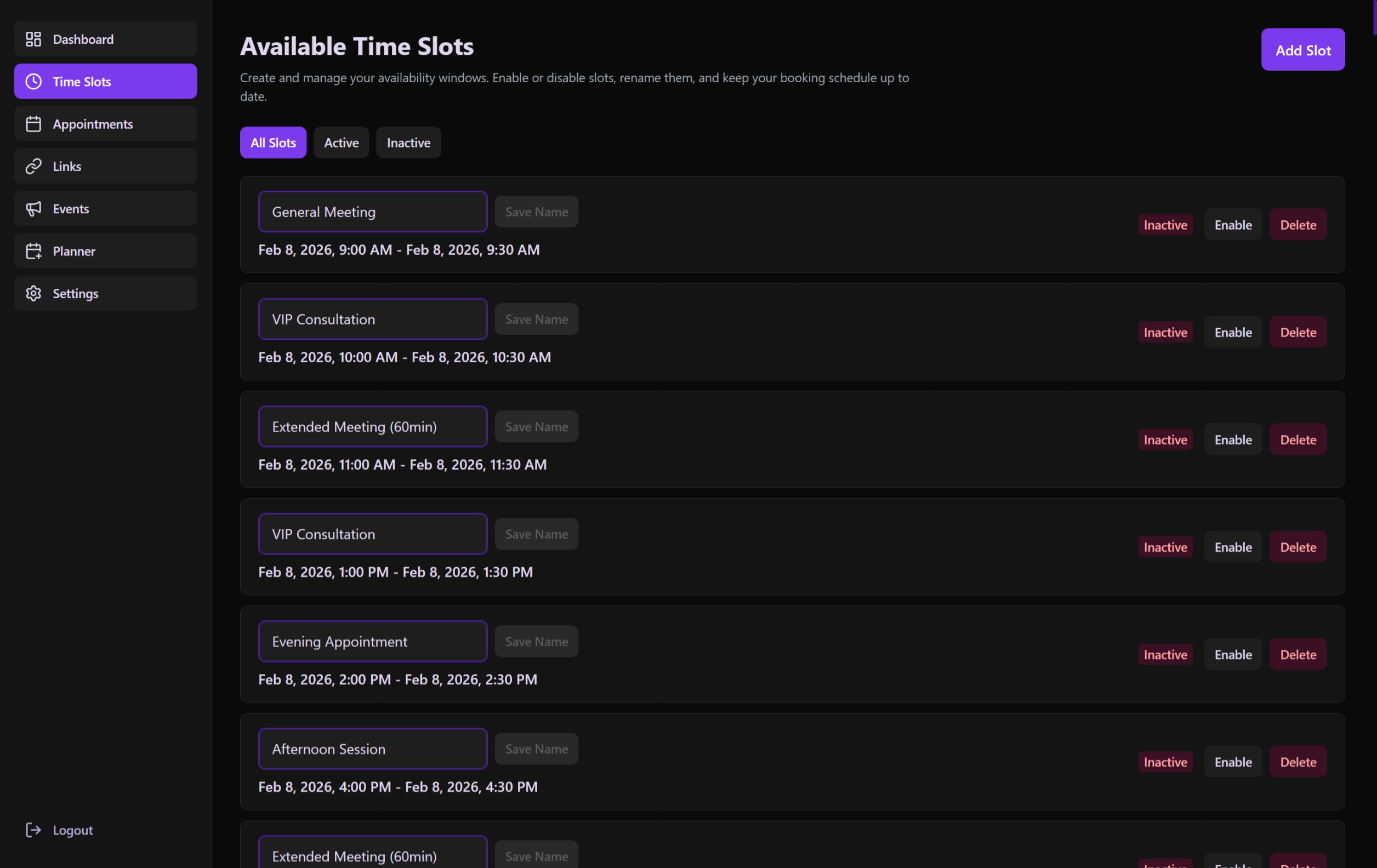 Review and toggle the status of your predefined time inventory.
The Concept of a "Slot"
A slot is not an appointment; it is a container of potential.
- Duration: Can span 30 minutes or 12 hours.
- Capacity: Multiple guests can potentially book into a single slot if the duration allows.
- Ownership: Can be assigned to specific booking links.
Administrative Controls
Creating a Slot (CreateSlotModal)
- Time Range: Select specific start and end dates/times.
- Naming: Optional descriptive name (e.g., "Monday Office Hours").
- Validation: Ensures start time is before end time and not in the distant past.
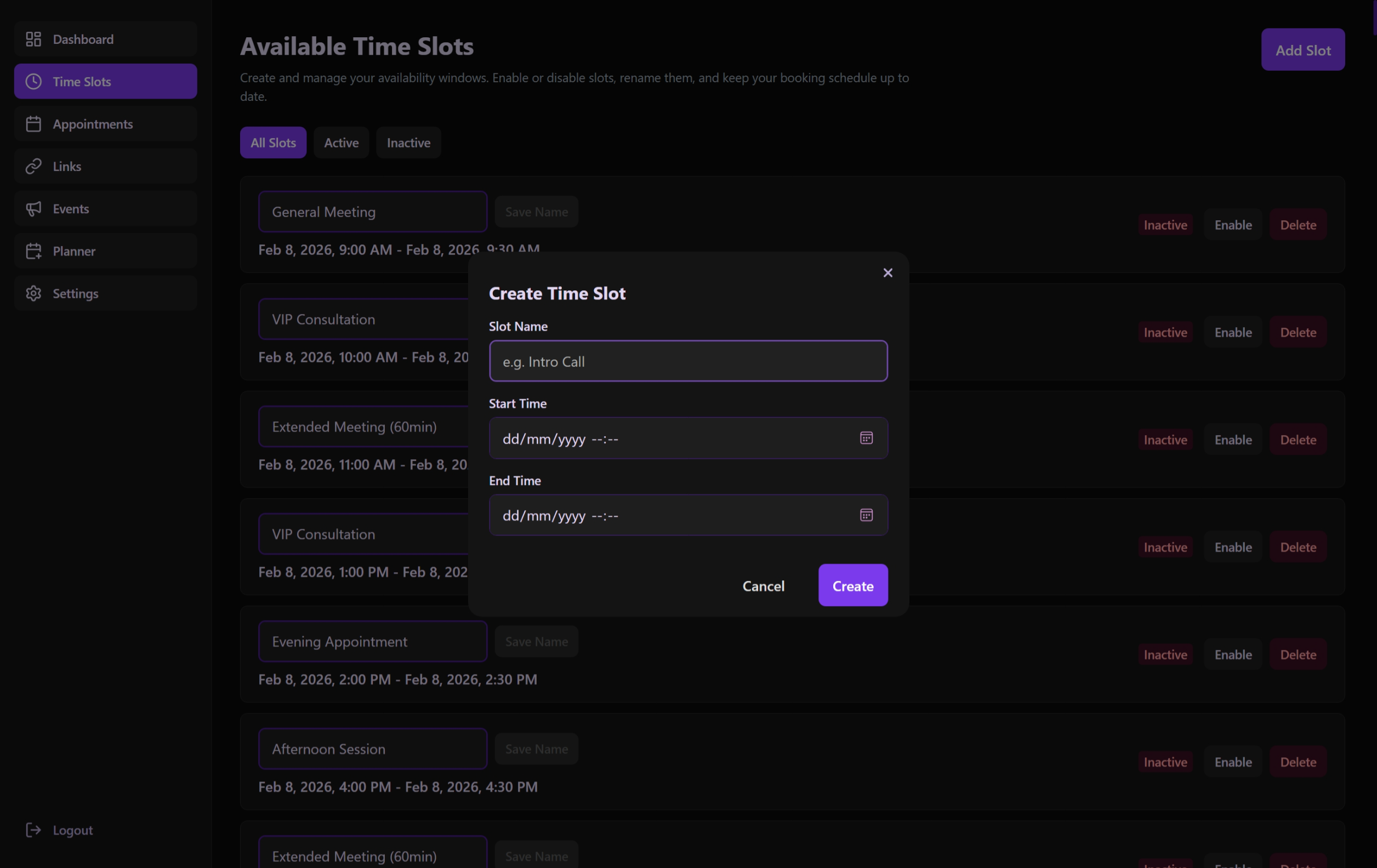 Precise configuration of slot ranges and recurring availability.
Managing the List (SlotsListSection)
- Toggle Status: Instantly enable/disable a slot. Disabled slots disappear from all public booking pages.
- Editing: Full control over an existing slot's name, start time, and end time via the Edit modal.
- Deletion & Archiving: Administrators can remove slots. If a slot already has associated appointments, the system automatically archives it (marking it as inactive) to preserve historical data while preventing new bookings.
Filtering & Search
The interface provides multi-layered filtering to help find specific blocks of time:
- Status Filters: Quick toggles for Active (future enabled), Inactive (manually disabled), and All slots.
- Search Bar: Live search across slot names.
- Sorting: Order by newest or oldest start times.
- Date Range: Filter for slots occurring within a specific temporal window.
- Filter Feedback: Real-time count of visible items versus the total inventory.
Technical Workflow
Data Fetching
Managed by useSlotsPage, which interacts with /api/slots:
- Real-time Status Sync: Updates the list state immediately upon toggle or update.
- Update Logic: Seamlessly handles modifications to existing slots without disrupting the overall schedule.
- Date Localization: Uses the administrator's locale to display readable time ranges.
Integration
Slots are the primary resource used by:
- Links Page: To decide which availability is tied to which URL.
- Booking Page: To render the selectable options for guests.
- Dashboard: To show upcoming availability on the main calendar.