
Login & Authentication
The Login page is the secure gateway to the administrative backend. It is designed to be lightweight, secure, and focused.
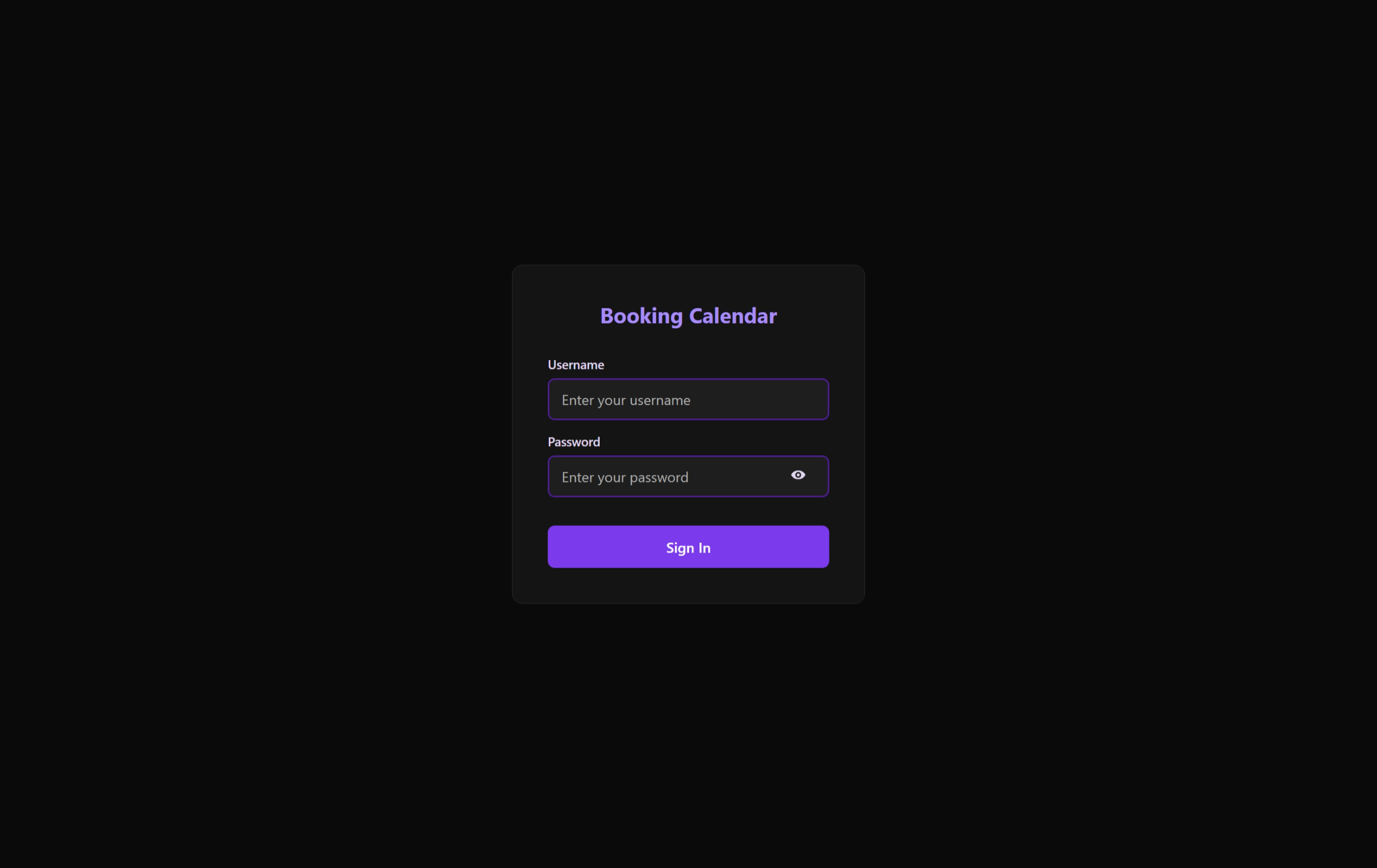 A secure and minimalist gateway ensuring only authorized users can access the administrative dashboard.
Security Architecture
1. Robust Authentication
Access is controlled via a centralized authentication system:
- Credential Validation: Checks usernames and passwords against highly secure hashes in the database.
- JWT (JSON Web Tokens): Upon successful login, the server issues a JWT. This token is stored securely in the browser and must be present in the header of every subsequent administrative API request.
2. Layout & Workflow
- LoginPageLayout: A minimalist layout that removes distraction (navigation bars, sidebars) to focus entirely on the security context.
- LoginFormCard: A central, elevated card that provides:
- Username input (auto-complete optimized).
- Password input (masked by default).
- Responsive Submit button with loading state.
User Experience Features
Error Handling (ErrorBanner)
- Provides immediate, clear feedback for failed attempts (e.g., "Invalid credentials" or "Account locked").
- Integrated with the
useLoginPagehook to manage the persistence of error states.
Session Persistence
The login process is tightly integrated with the application's global state. Once logged in:
- The user is automatically redirected to the Dashboard.
- The authentication token is managed by the client-side API layer, ensuring that even after a page refresh, the user remains authenticated until the session expires or they manually log out.
Technical Implementation
useLoginPage Hook
- State Management: Controls the username and password field values.
- Submission Orchestration: Manages the transitions between
idle,loading, andauthenticatedorerrorstates. - Redirect Logic: Forces a navigation shift to the interior of the application upon successful token receipt.
Optimization
The page uses baseui/form-control to ensure all fields have proper ARIA labels and follow accessibility best practices, making it usable with screen readers and keyboard navigation.