
Screenshots
Explore the visual interface of Booking Calendar. Each section showcases a different part of the system's clean and modern design.
Dashboard
The central hub for administrators to manage availability and view upcoming appointments at a glance.
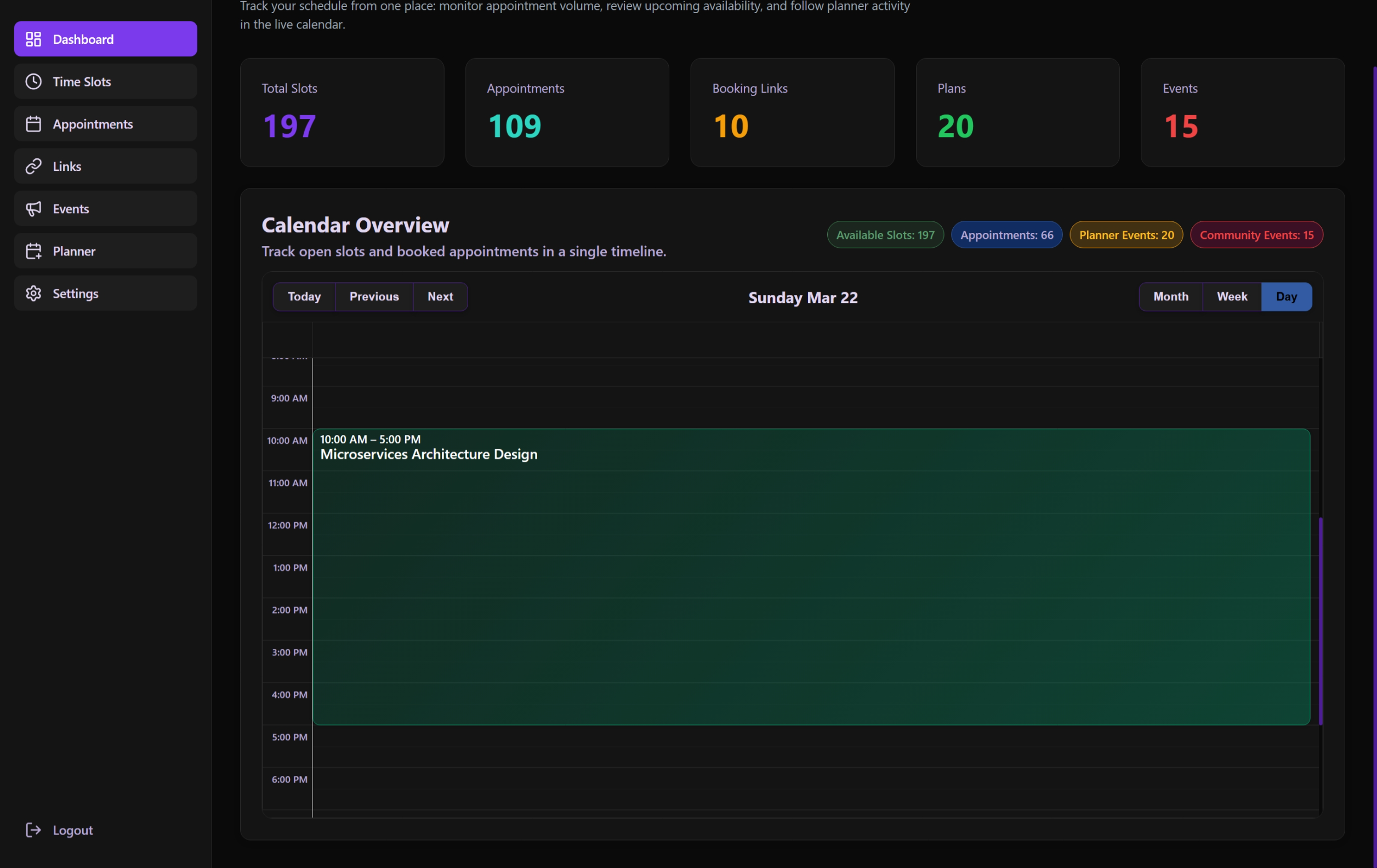 Daily view showing current scheduled slots and appointments.
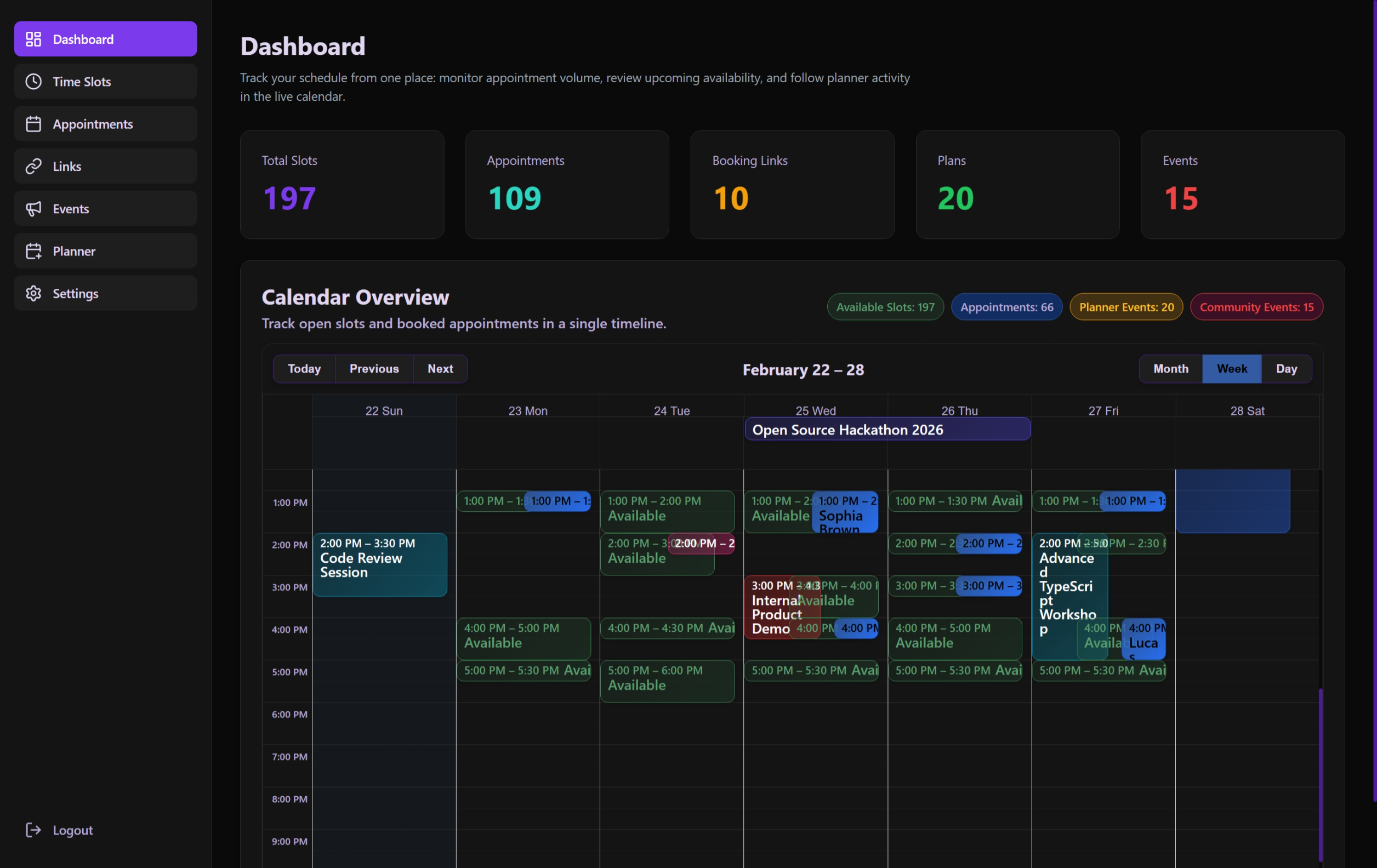 Weekly overview providing a broader look at the schedule.
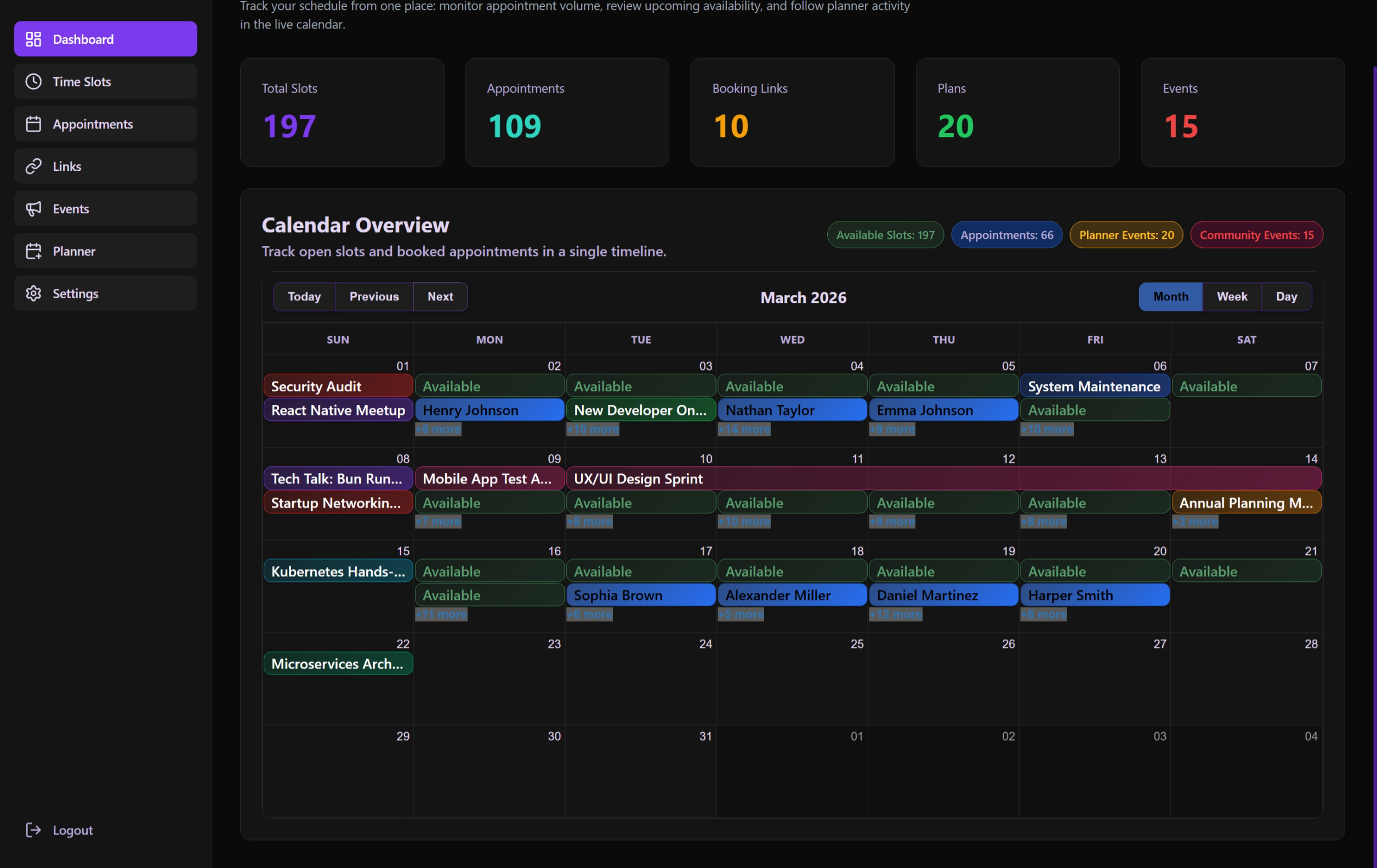 Monthly calendar view for long-term planning and event tracking.
Appointments
Administrative interface for tracking, filtering, and moderating all guest bookings.
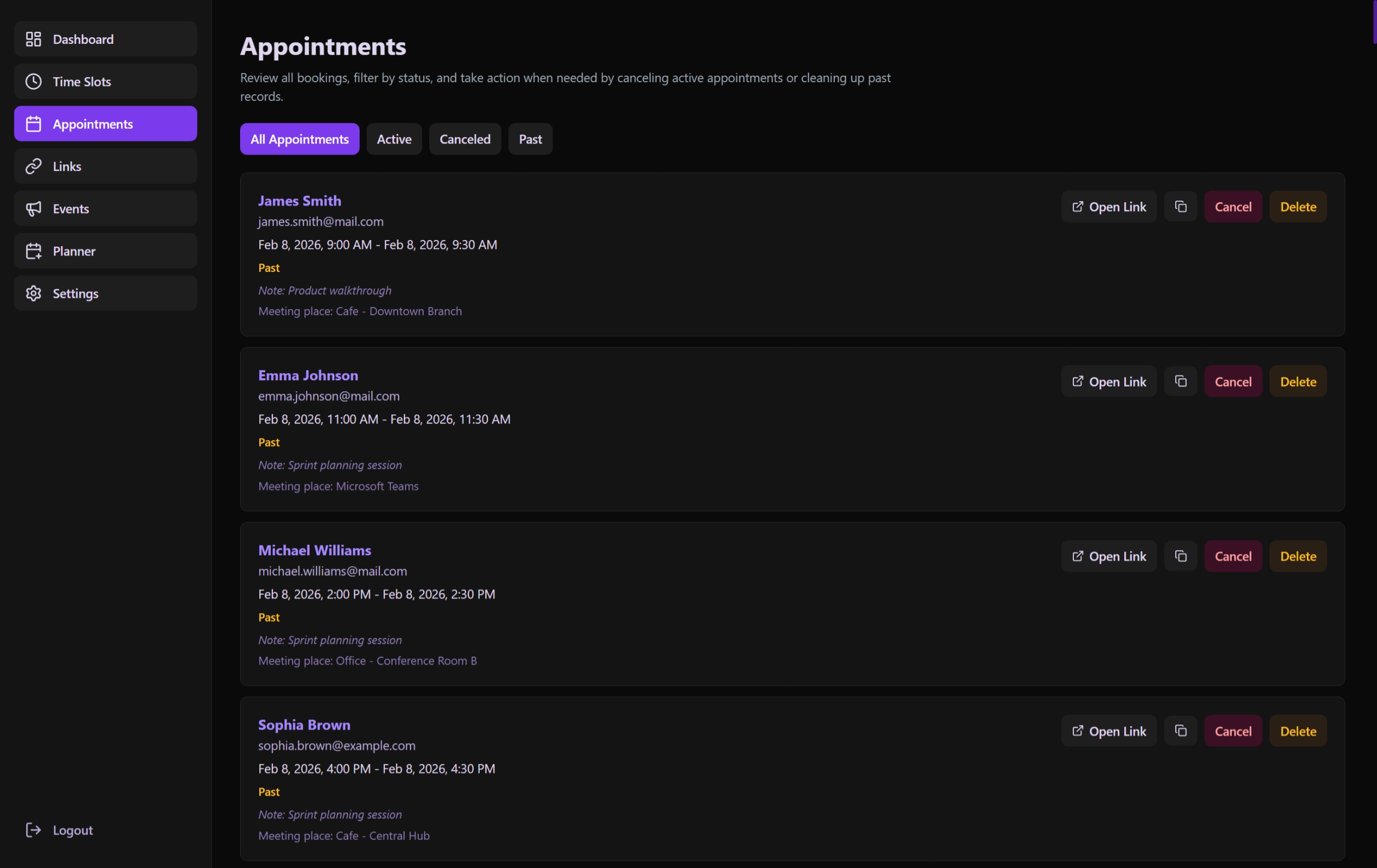 List of all upcoming and past appointments with quick actions.
Booking
The public-facing landing page where external guests select their slots and provide information.
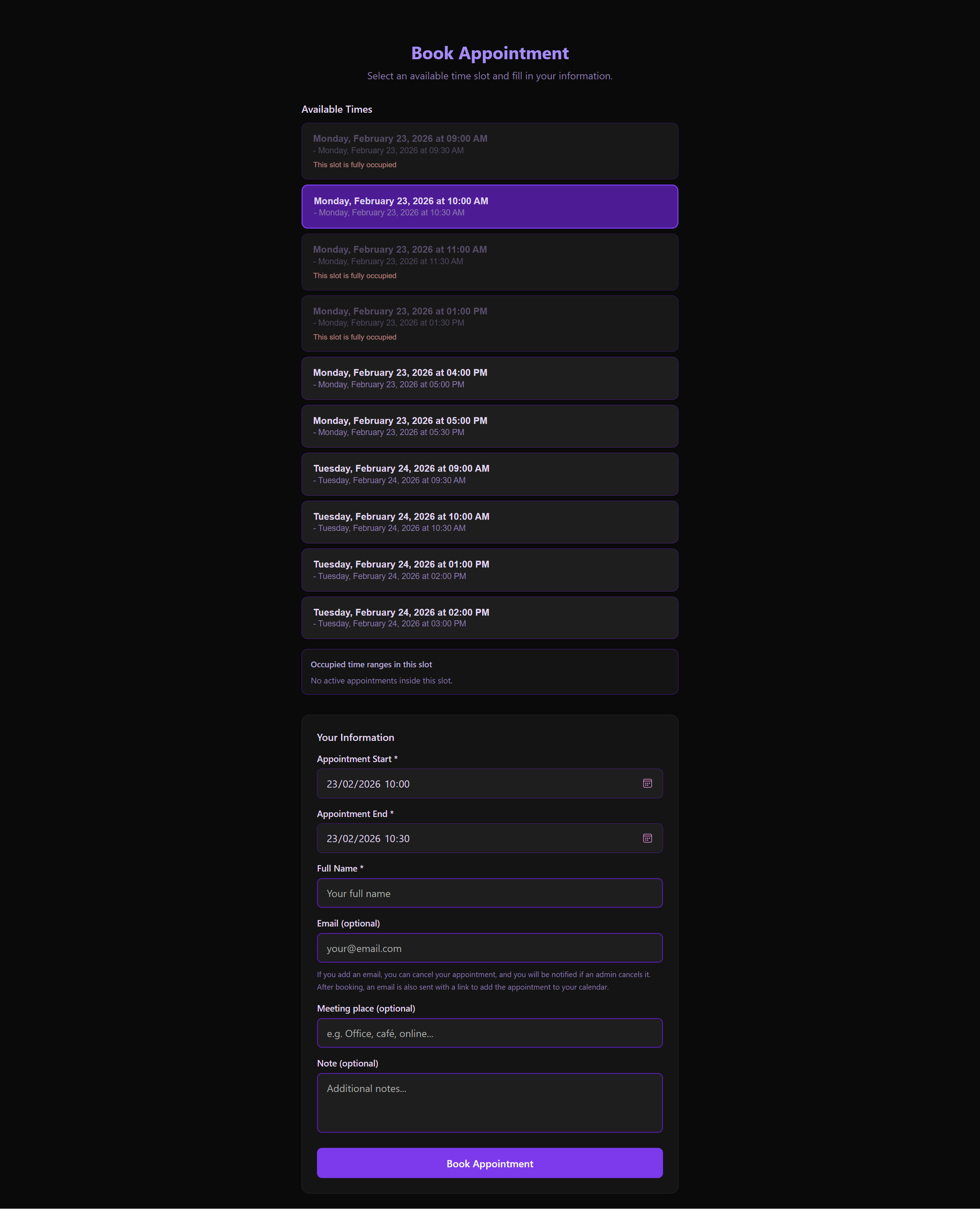 The high-conversion booking screen optimized for mobile and speed.
Events
Management of community-driven events and administrative gatherings.
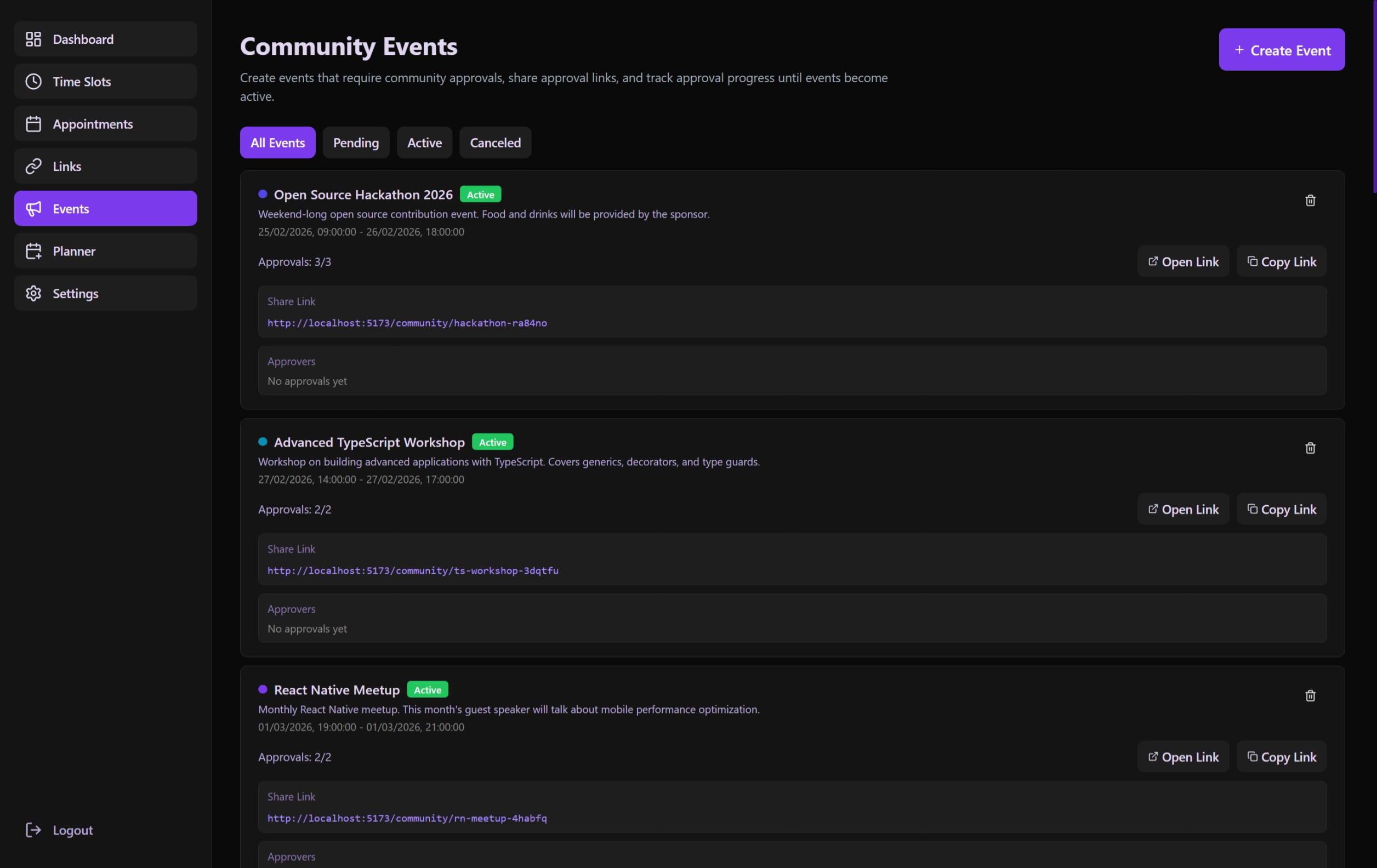 Comprehensive list of all proposed and active community events.
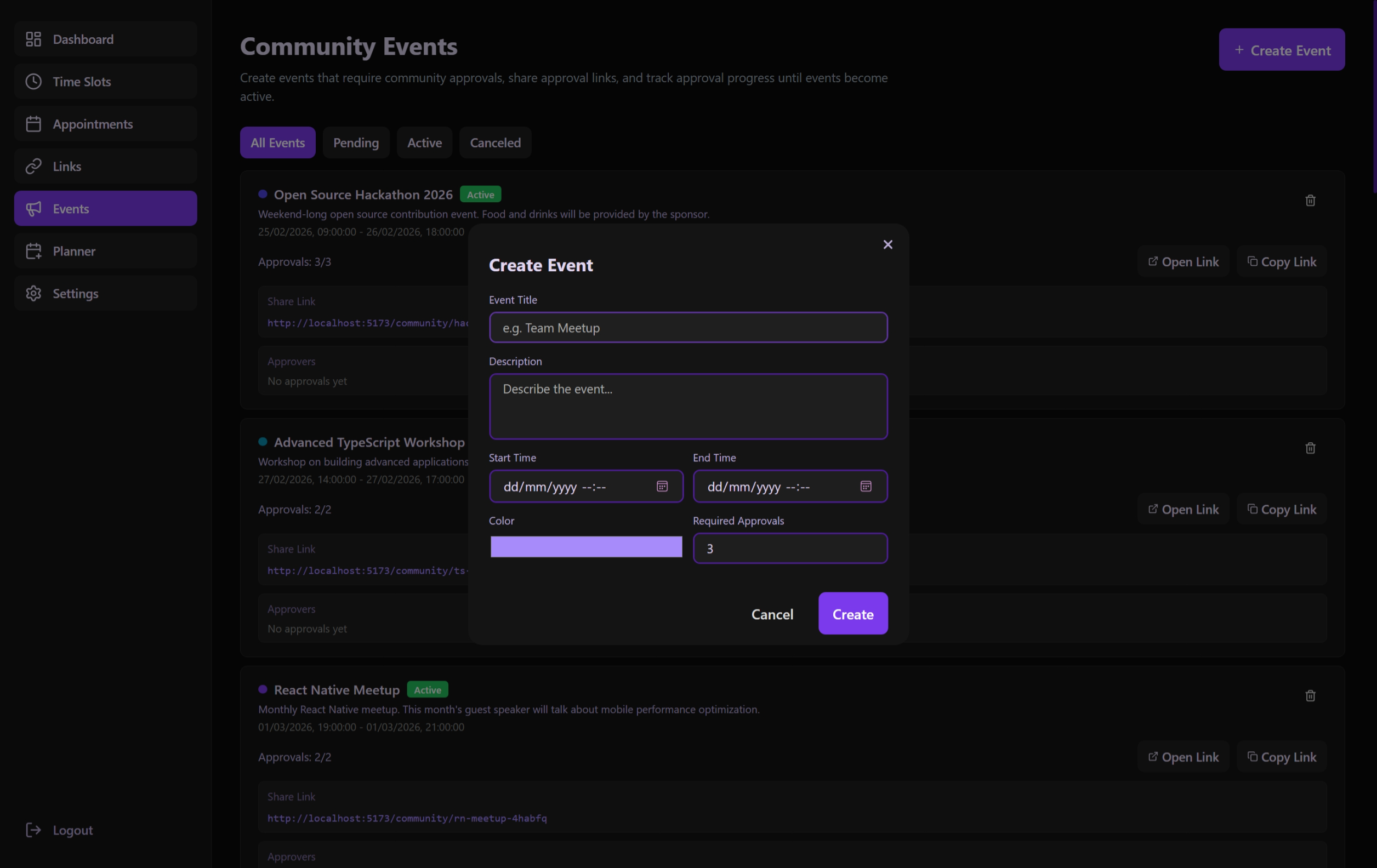 Interface for defining new events and their approval requirements.
Links
Customizable and shareable URLs that bundle specific availability slots.
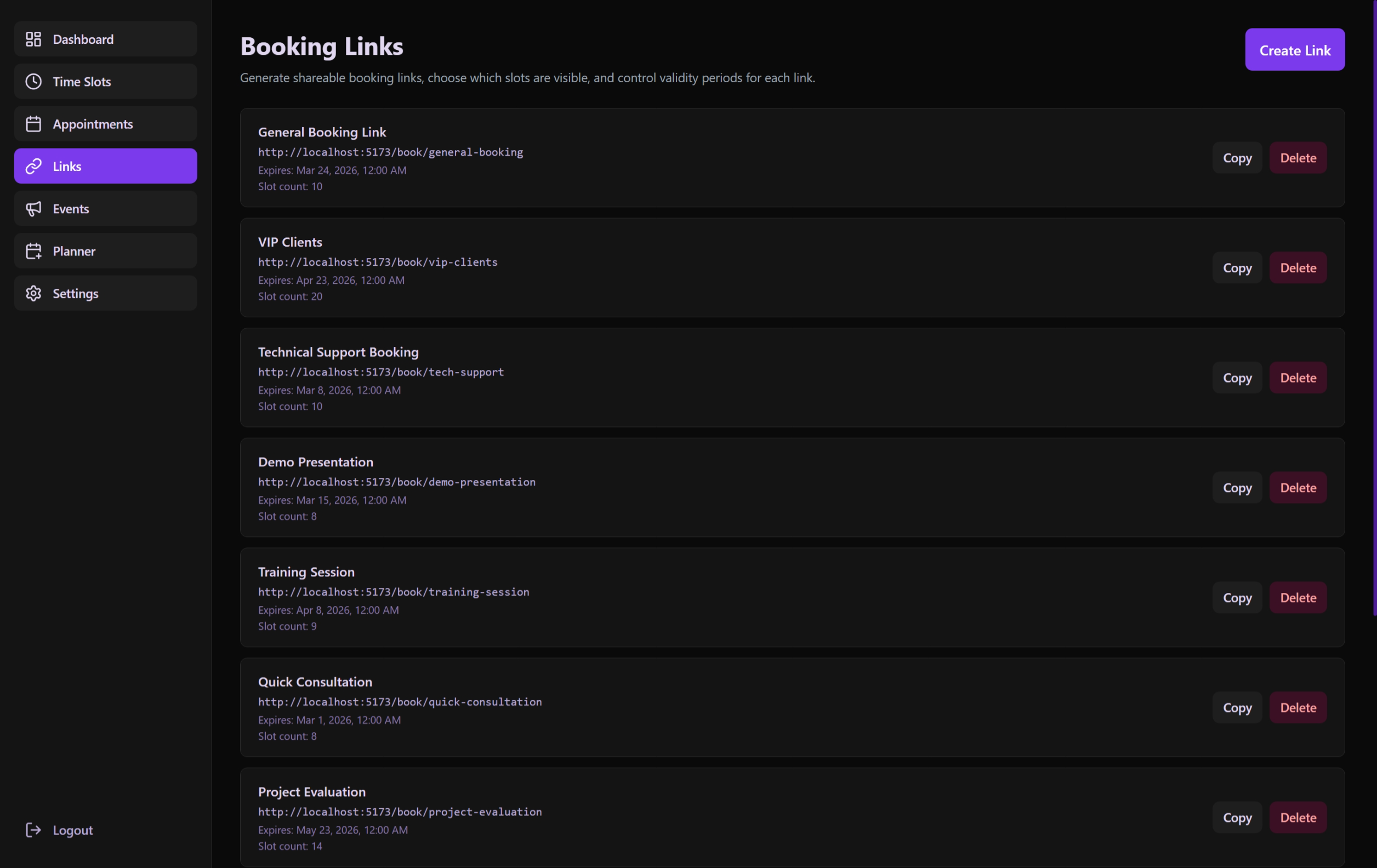 Management dashboard for active, expired, and future booking links.
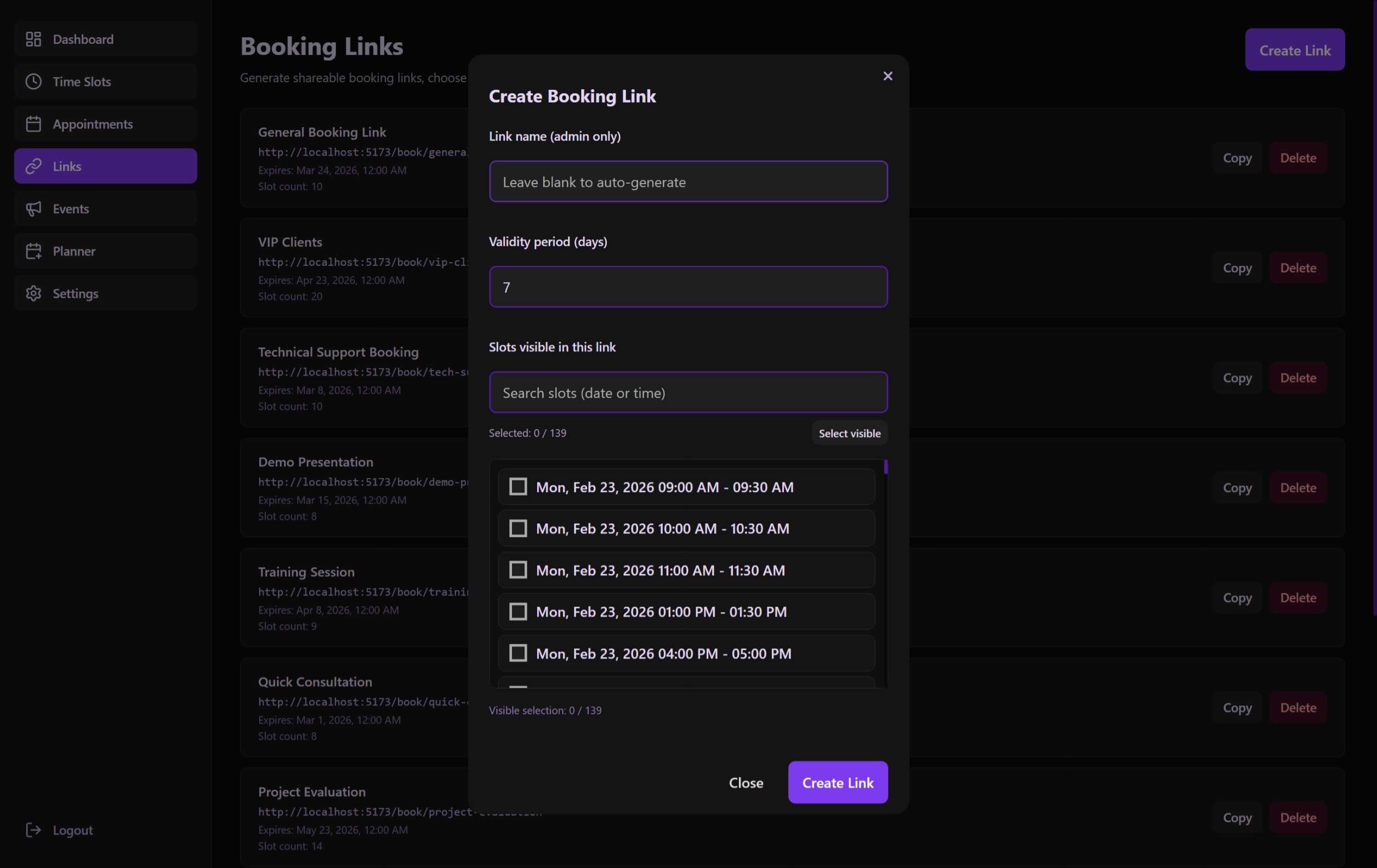 Creation modal with slot-picker and expiration configuration.
Slots
The time-inventory foundation where administrators define their reachable hours.
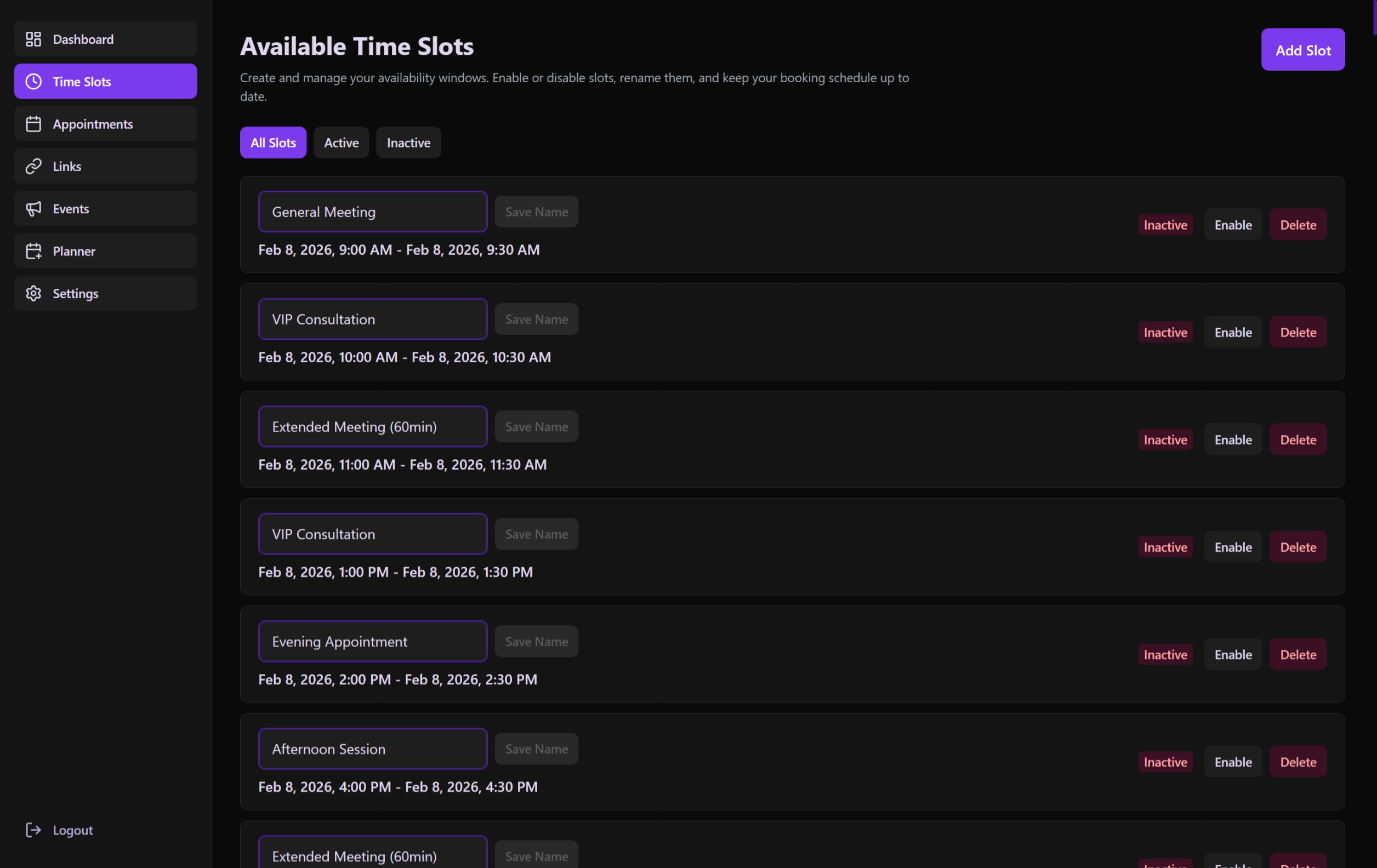 Overview of all configured availability windows and their status.
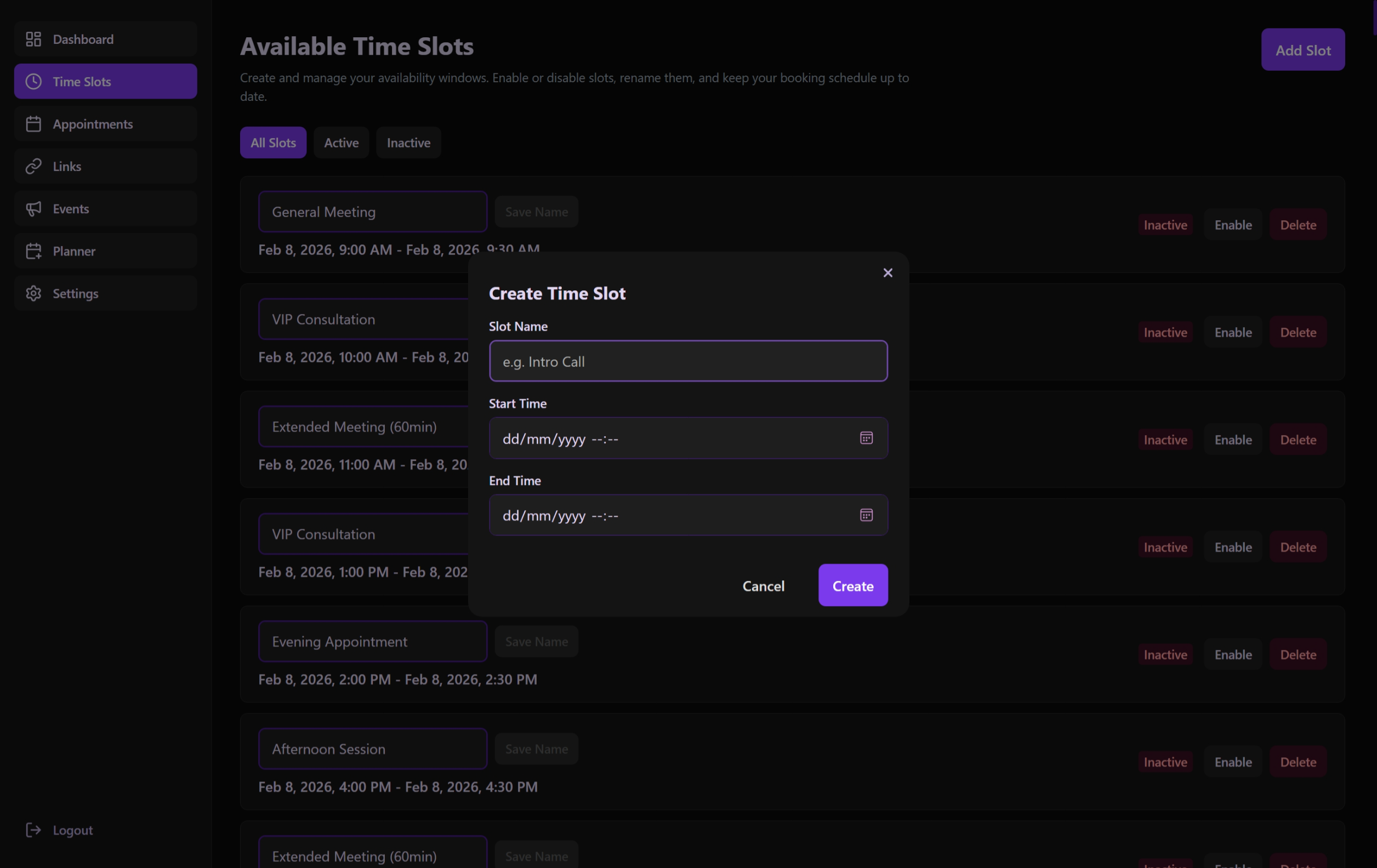 Adding new recurring or one-time availability slots.
Planner
Internal-only scheduling tool for tasks and events that don't require guest links.
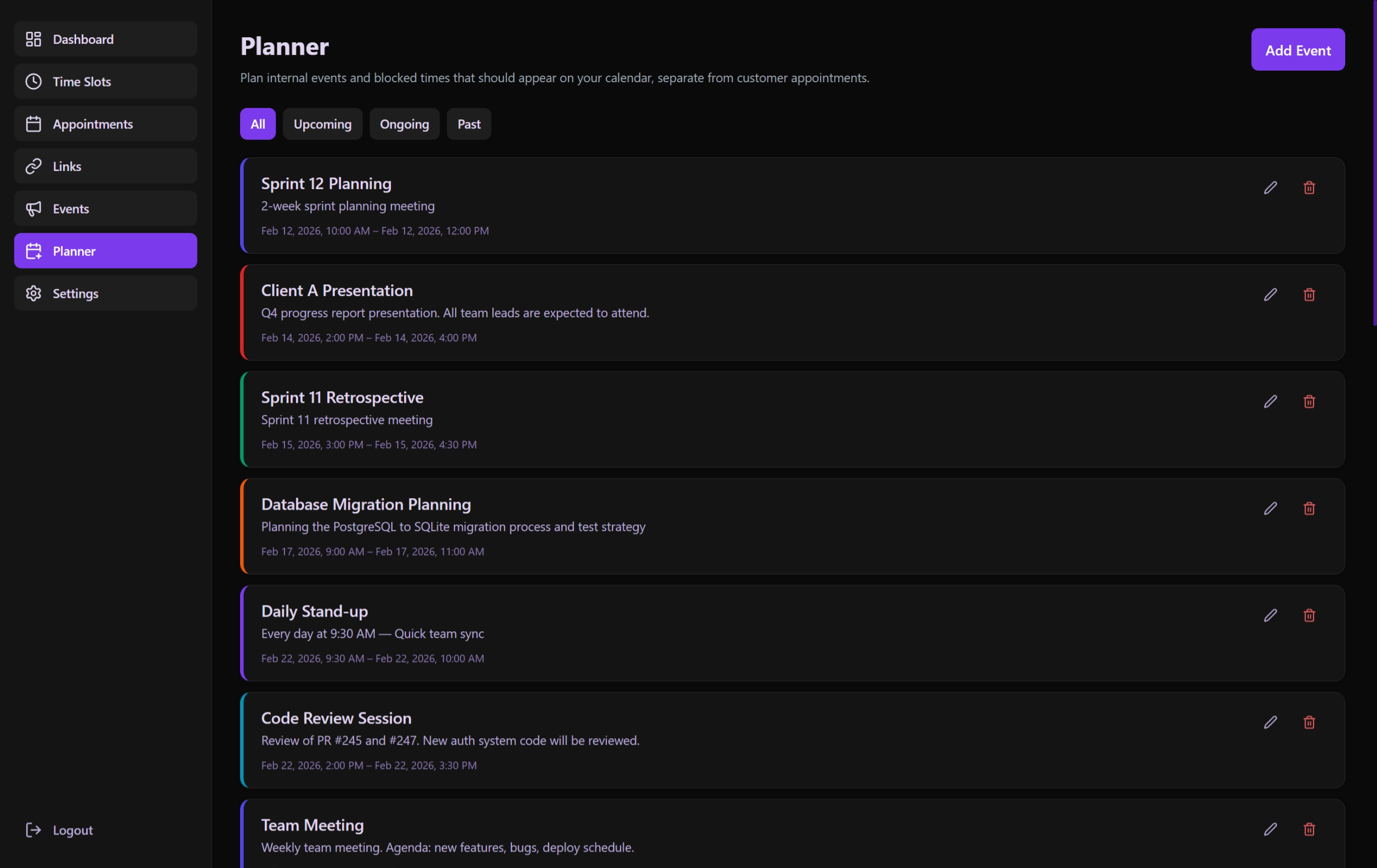 Internal tracking for breaks, private meetings, and administrative tasks.
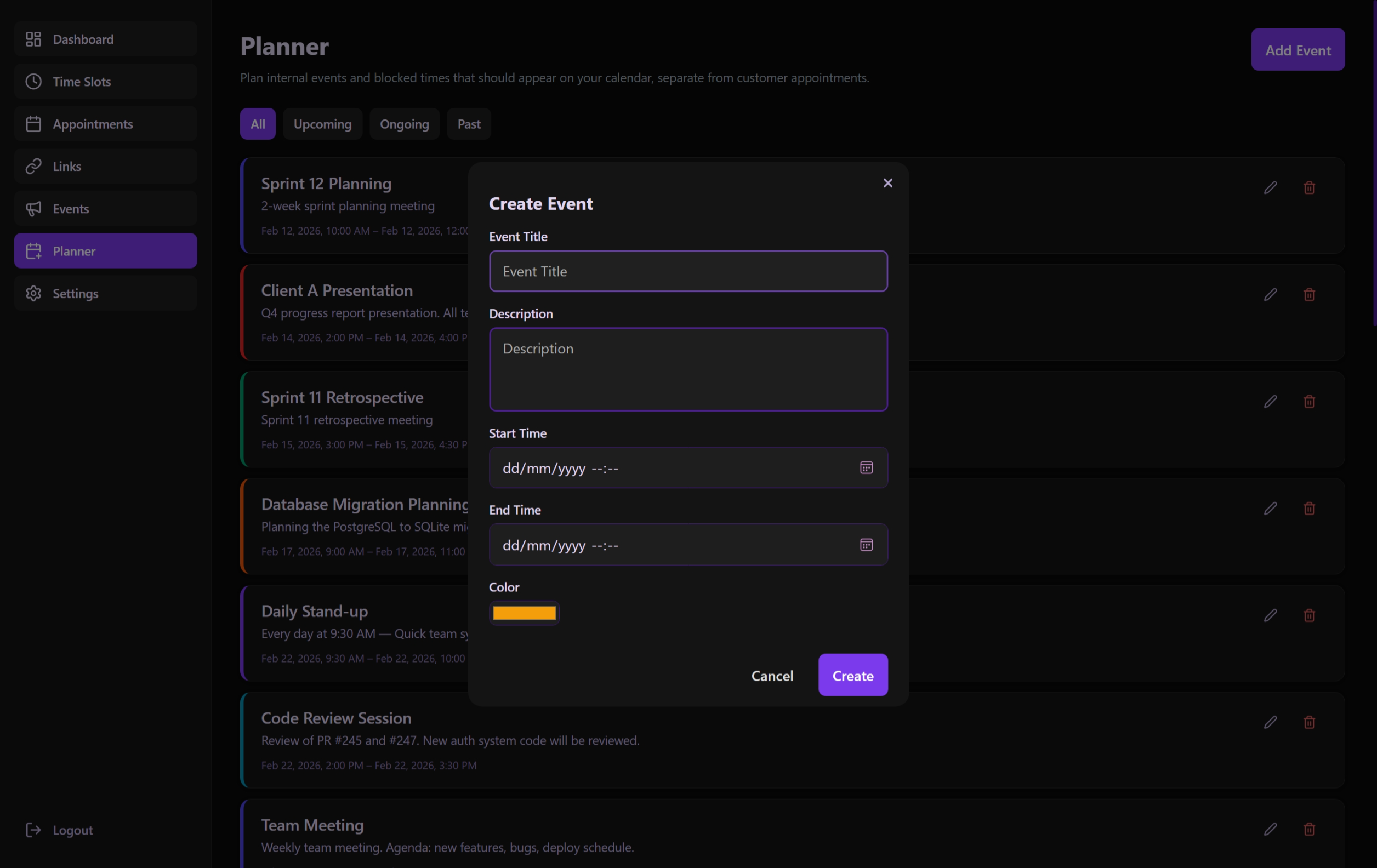 Defining internal events that consume time on the central calendar.
Settings
System-wide configuration, security protocols, and personalization.
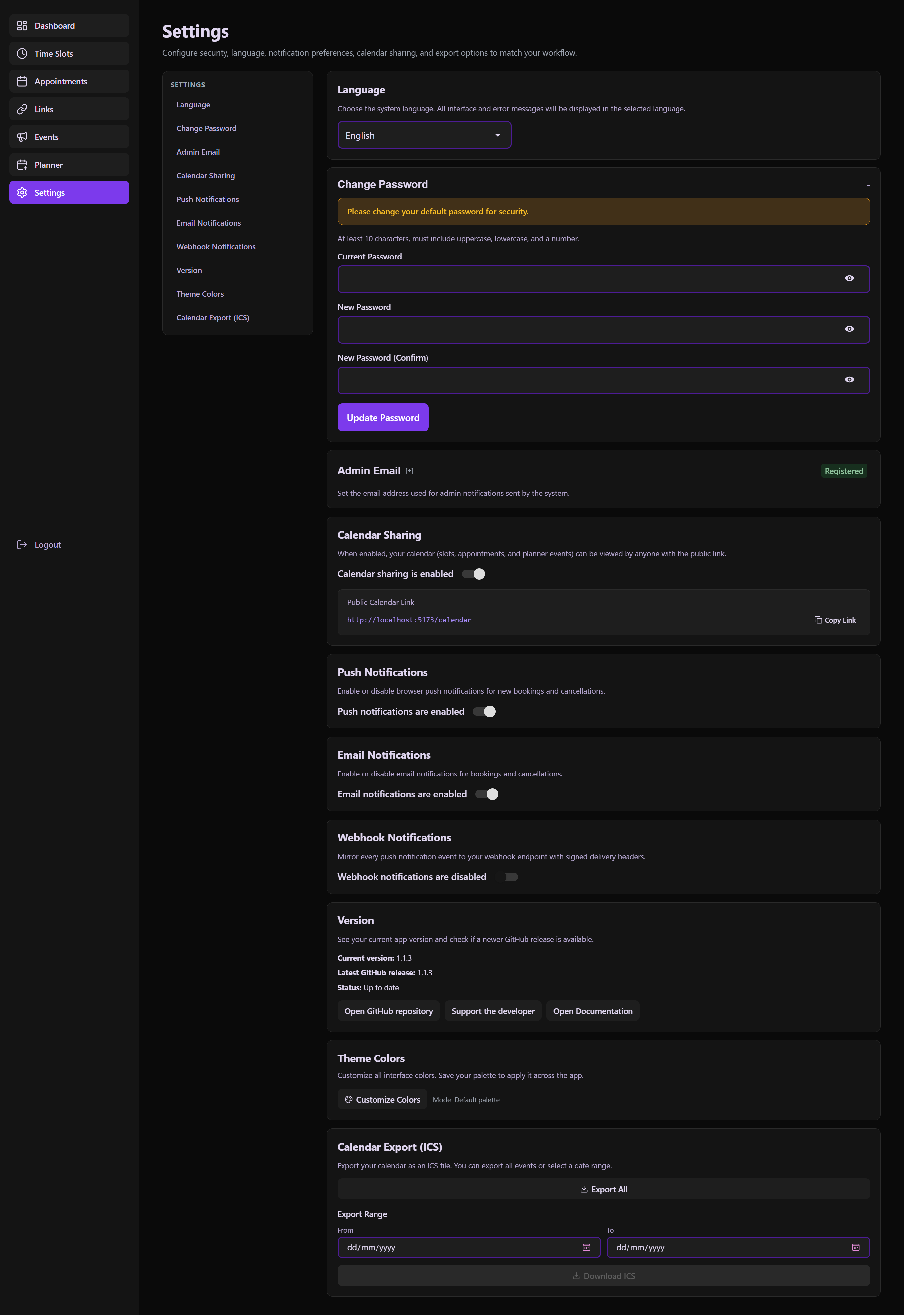 Unified settings panel for notifications, theme engine, and API keys.
Login
Secure gateway to the administrative backend of the application.
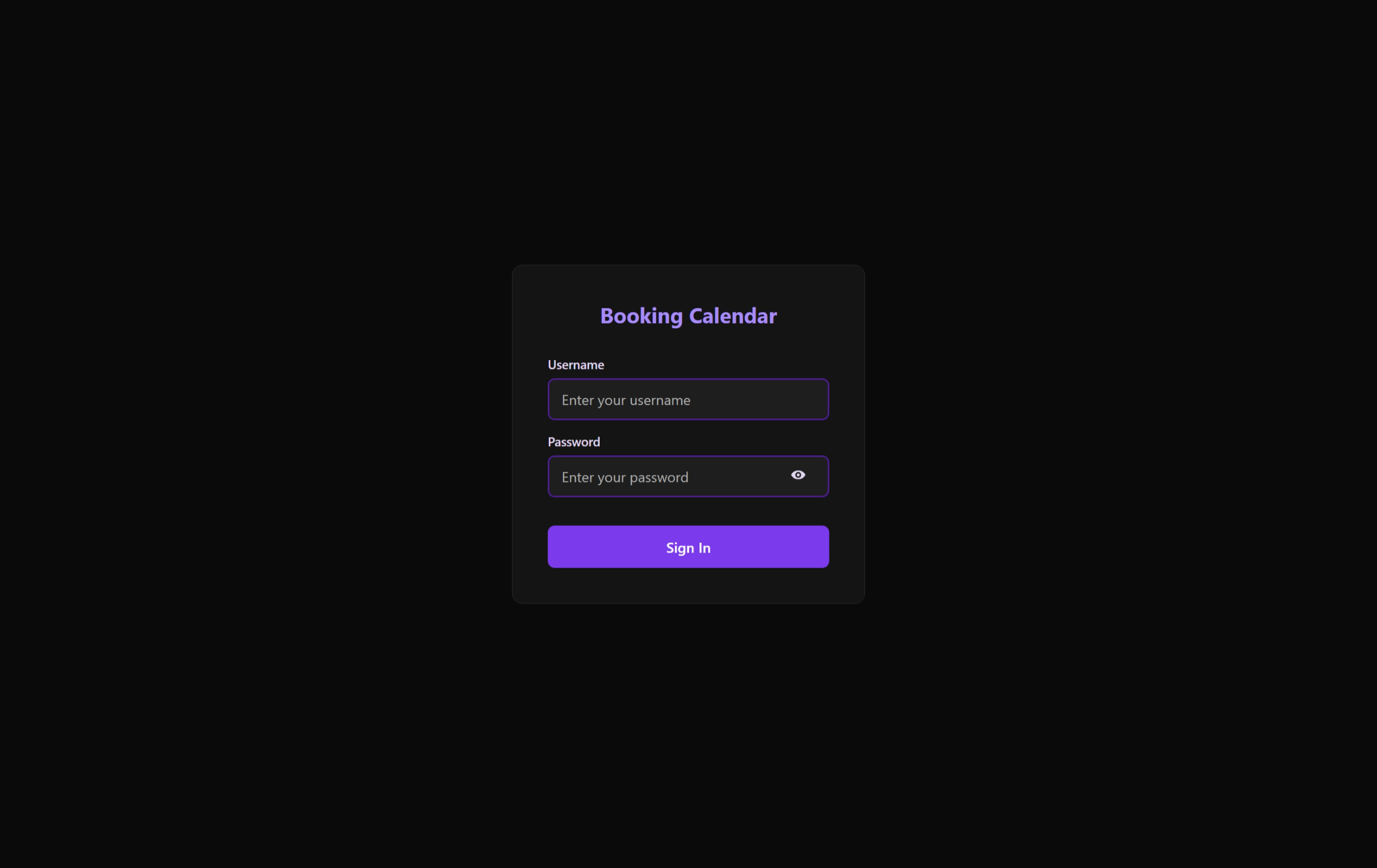 Modern, secure, and minimalist login interface.
Public Calendar
The read-only window for guests to explore overall availability and official events.
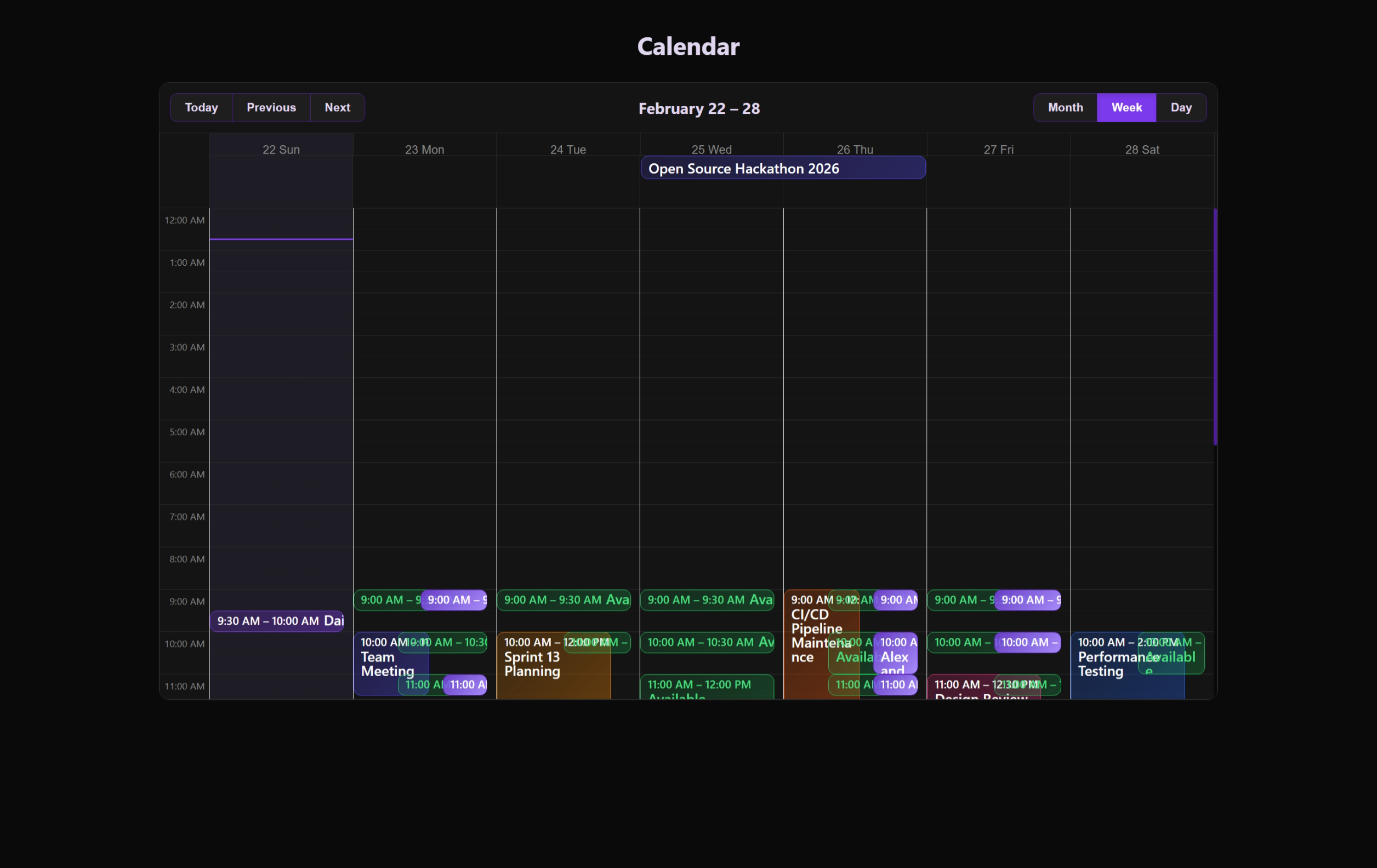 Sharing and integration tools for the public calendar view.
Appointment Details
The private portal for guests to review their specific booking and manage its status.
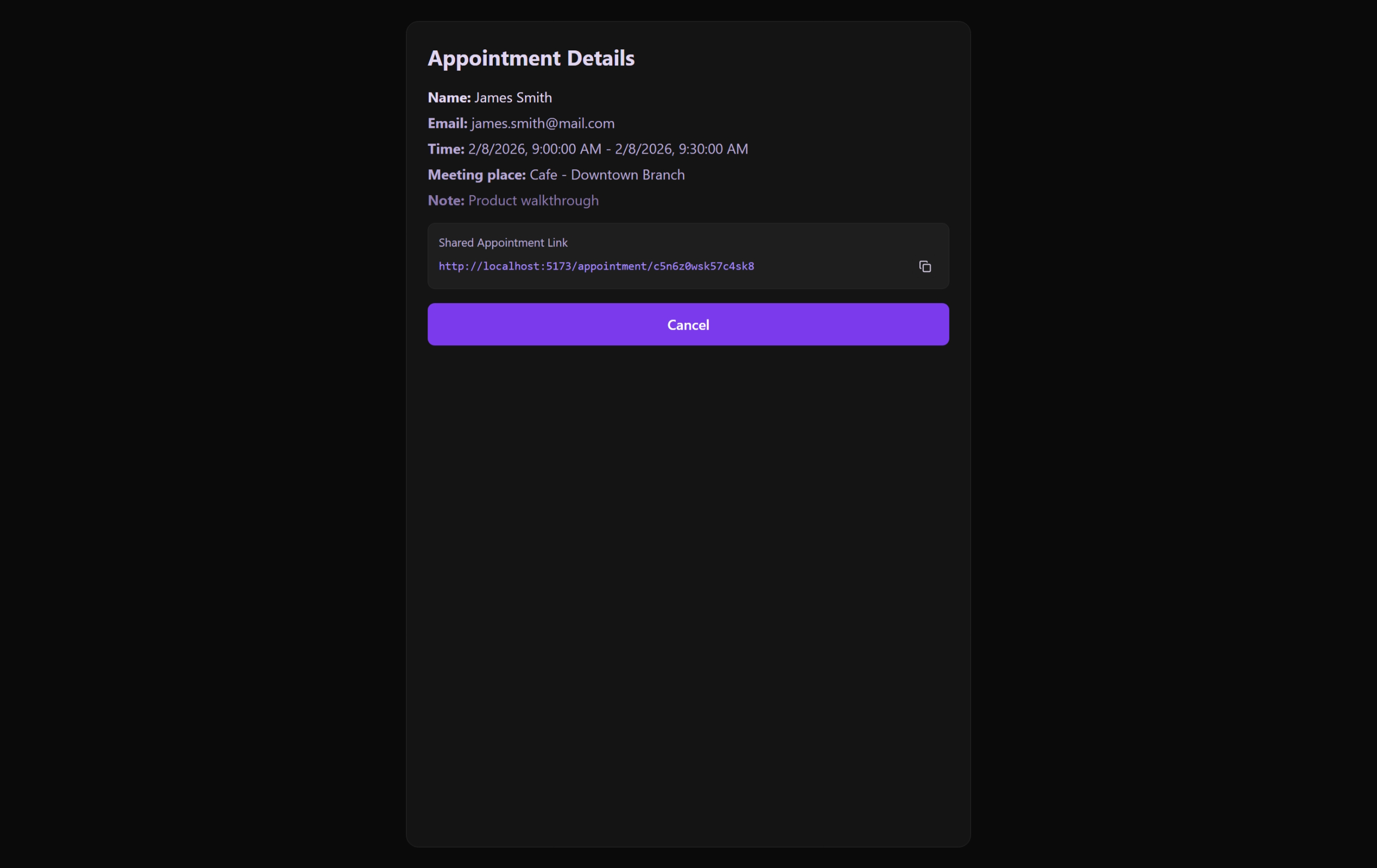 The guest's personal "digital receipt" and self-service management hub.
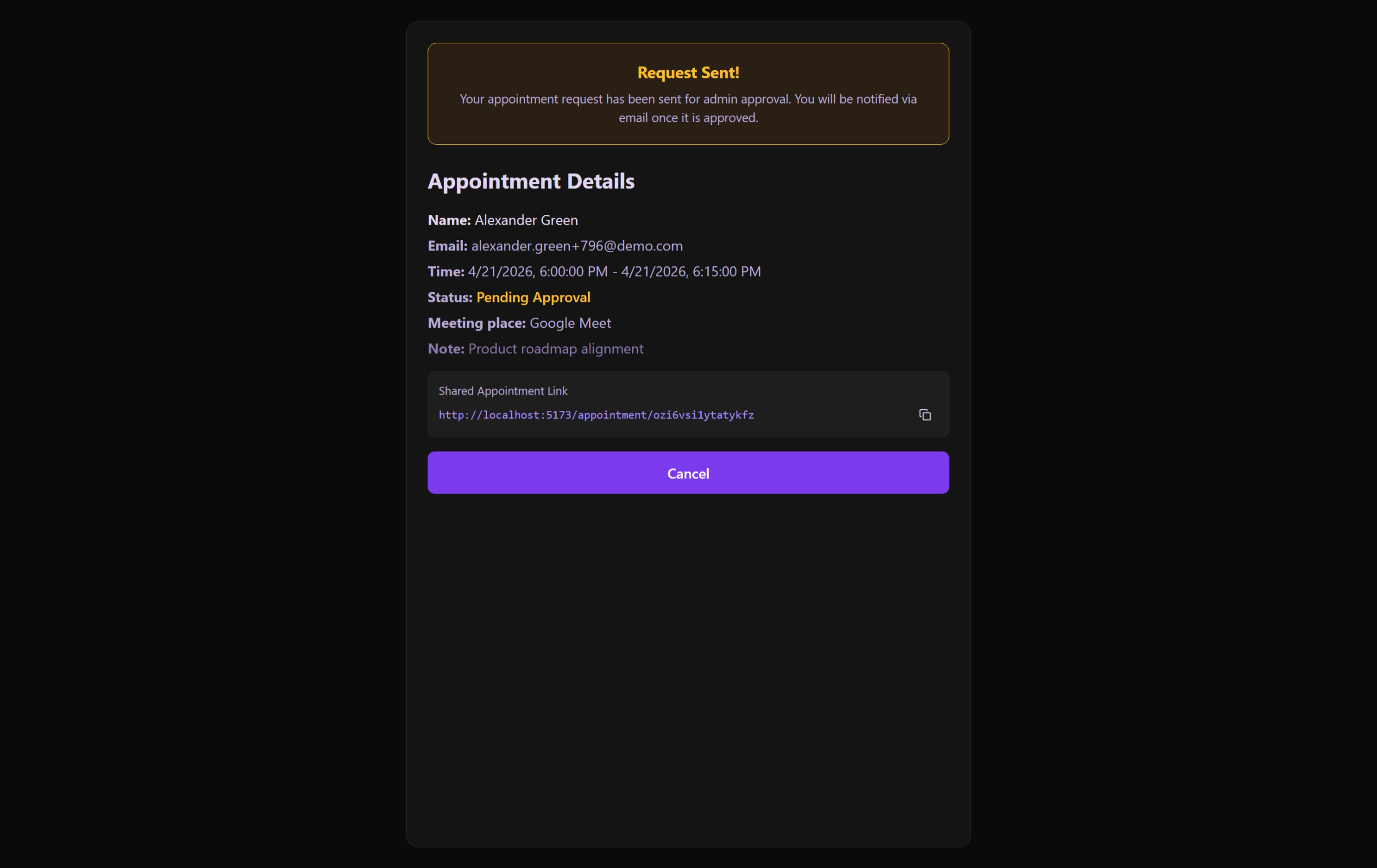 The view for appointments requiring administrative approval before confirmation.
Community Approval
The crowdsourced voting interface where pending events reach their activation threshold.
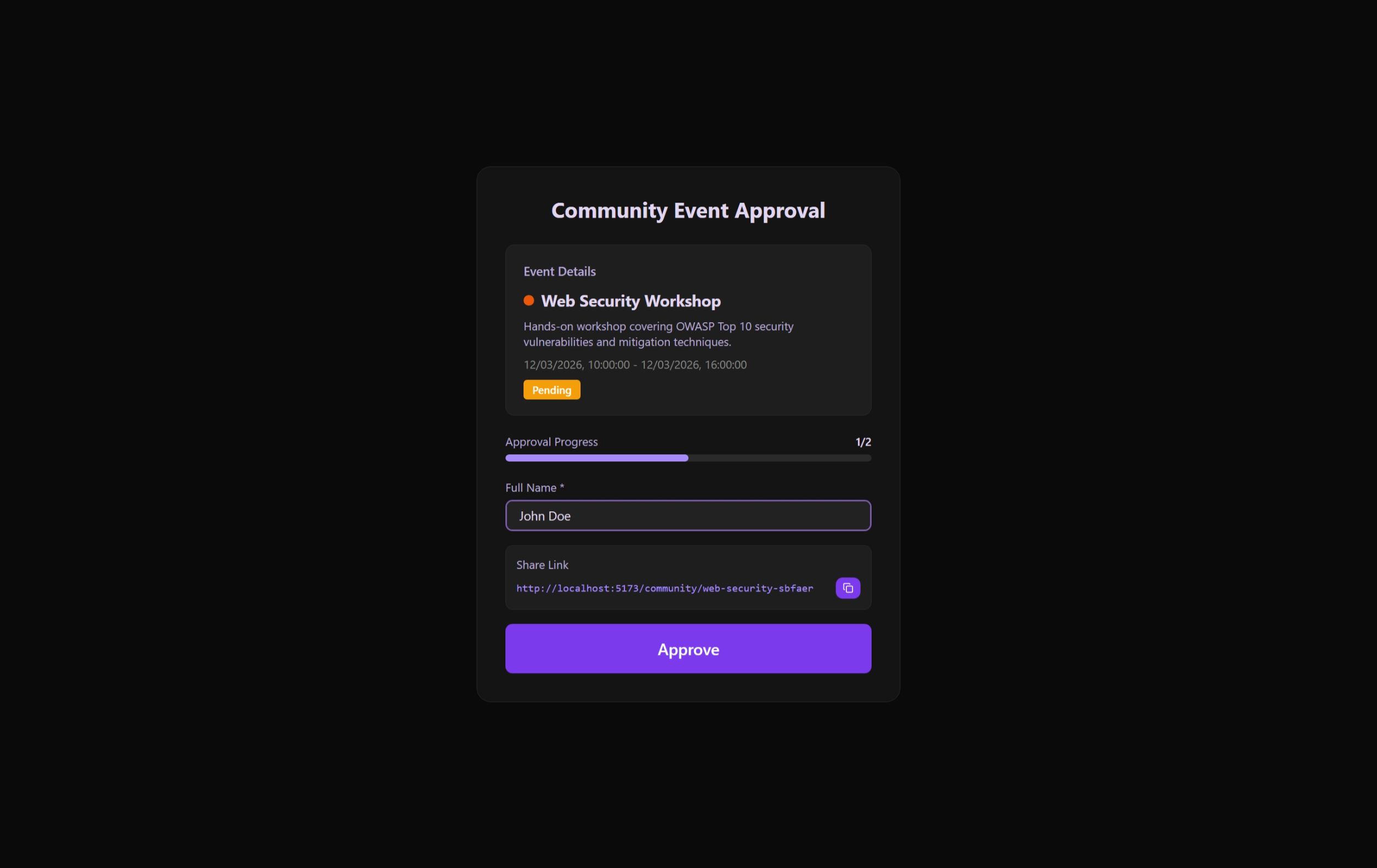 Public approval page for community members to vouch for proposed events.