
Settings Configuration
The Settings page is a high-density configuration hub that allows administrators to fine-tune every aspect of the application.
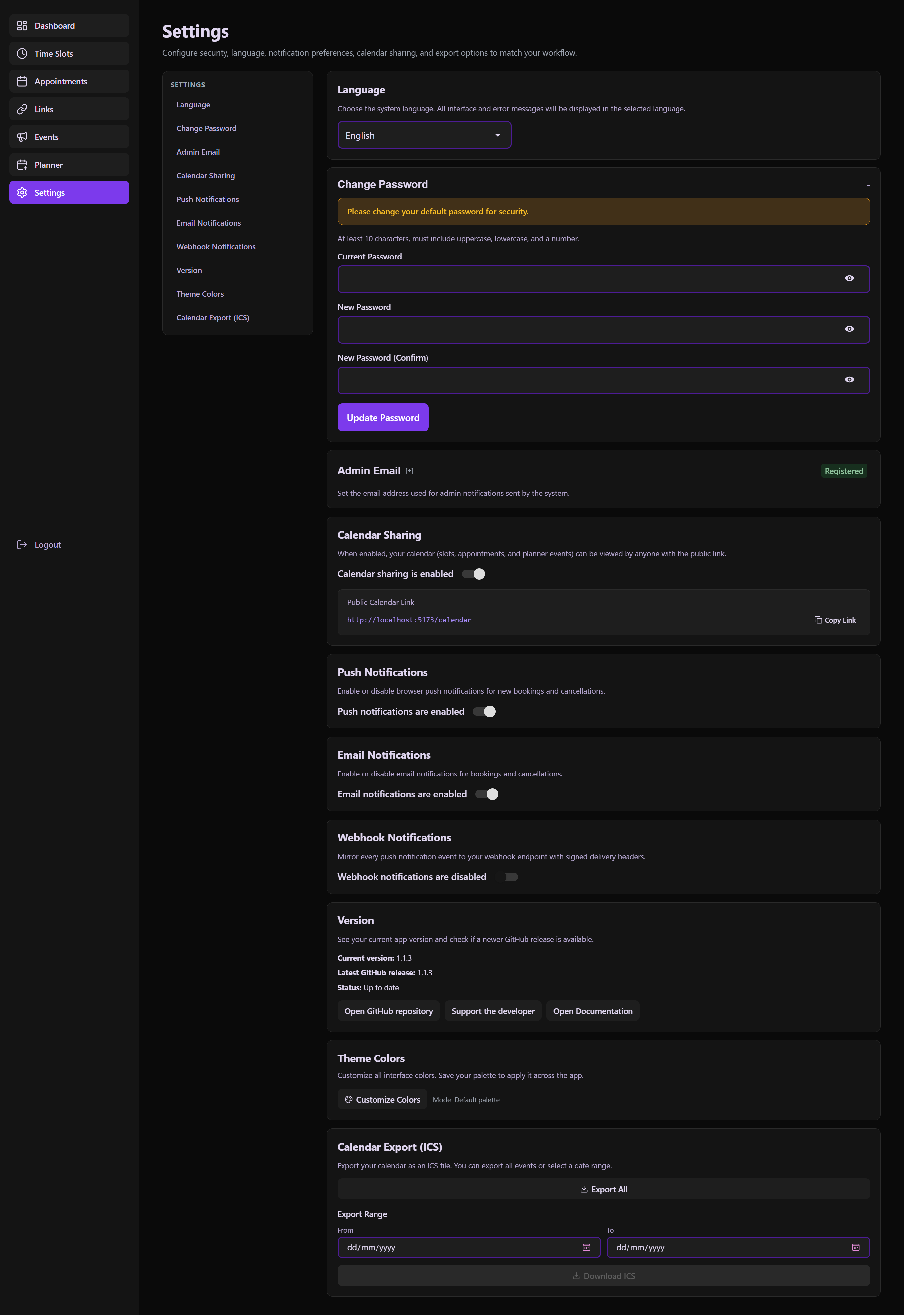 The centralized control panel for security, notifications, and application-wide customization.
Detailed Sections
1. Globalization & Identity
- Language Settings: Instant switching between
enandtr. This updates the entire UI, including calendar labels and system notifications. - Management Email: Defines the "System Admin" email used for outgoing alerts and administrative contact.
2. Security & Access
- Password Rotation: A dedicated section to update the administrative password. Requires verification of the current password for security.
- VAPID Config: Visual confirmation of the Public/Private Key status for Web Push notifications.
3. Notification Engine
- Web Push: One-click toggle to enable browser-based push notifications.
- Email Triggers: Enable/disable automated emails for new bookings, cancellations, and daily summaries.
4. Developer & Power-User Tools
- Webhooks:
- Endpoint URL: Where notifications are sent.
- HMAC Secret: A security key used to sign payloads, ensuring they come from your server.
- Test Trigger: A button to send a sample "Ping" to verify the connection.
- ICS/iCal Export: Provides a persistent URL that can be imported into Google Calendar, Outlook, or Apple Calendar for 2-way visibility.
5. Customization
- Theme Engine: Adjust the primary "Accent Color" of the application. The system automatically calculates gradients and soft-tones based on this single input.
Technical Implementation
The useSettingsPage Architect
- Aggregated Fetching: Pulls all config blocks in parallel.
- Optimistic Updates: Changes are reflected in the UI immediately, with a rollback mechanism if the API call fails.
- Persistence: Most settings are stored in the
Settingstable in SQLite, ensuring they survive system restarts.
UX Enhancements
- Sticky Sidebar: For quick navigation between 10+ setting categories.
- Auto-Saving Patterns: Many toggles save on change, while complex forms (like Password or Webhook) require explicit "Save" confirmation to prevent errors.